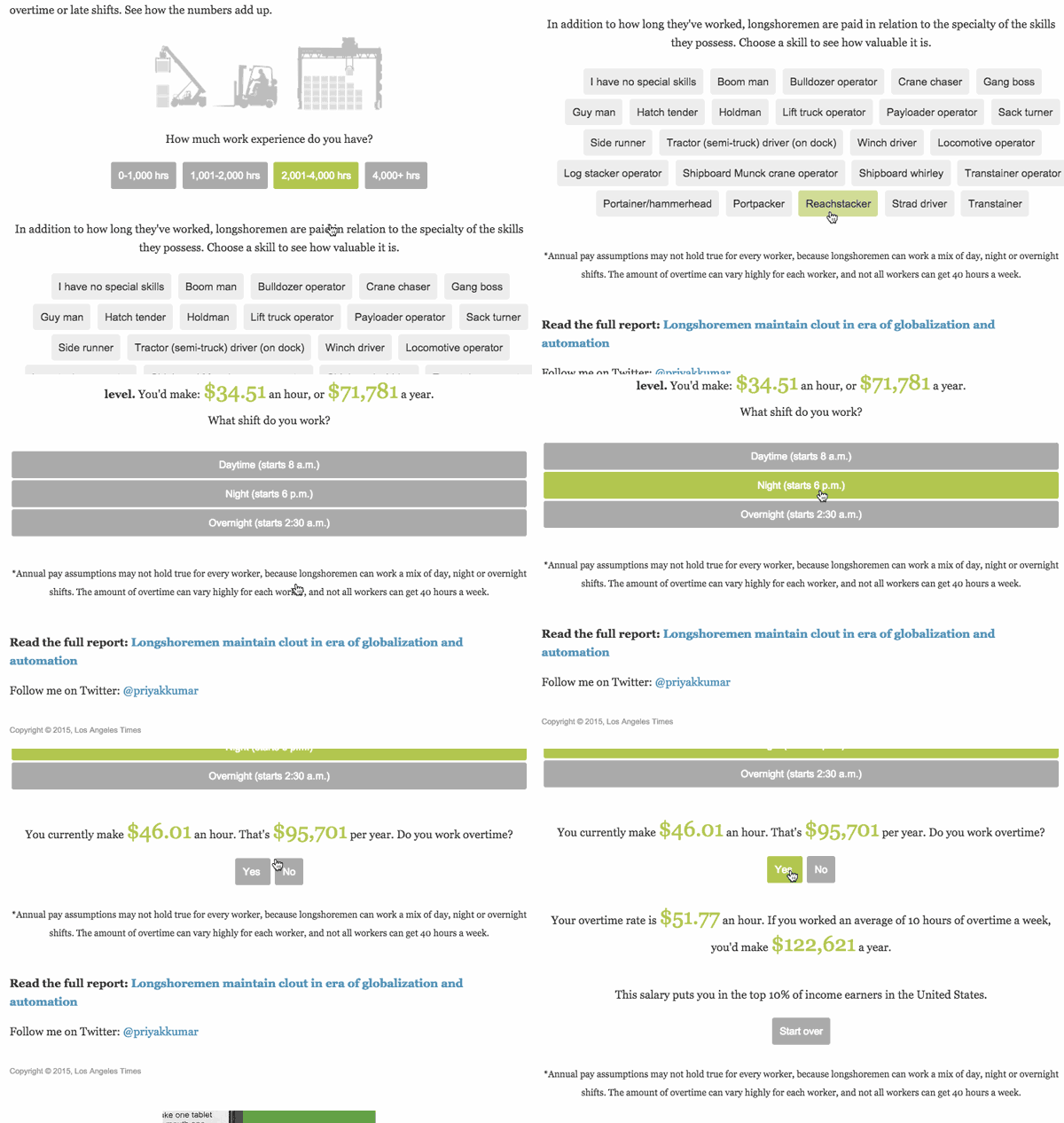
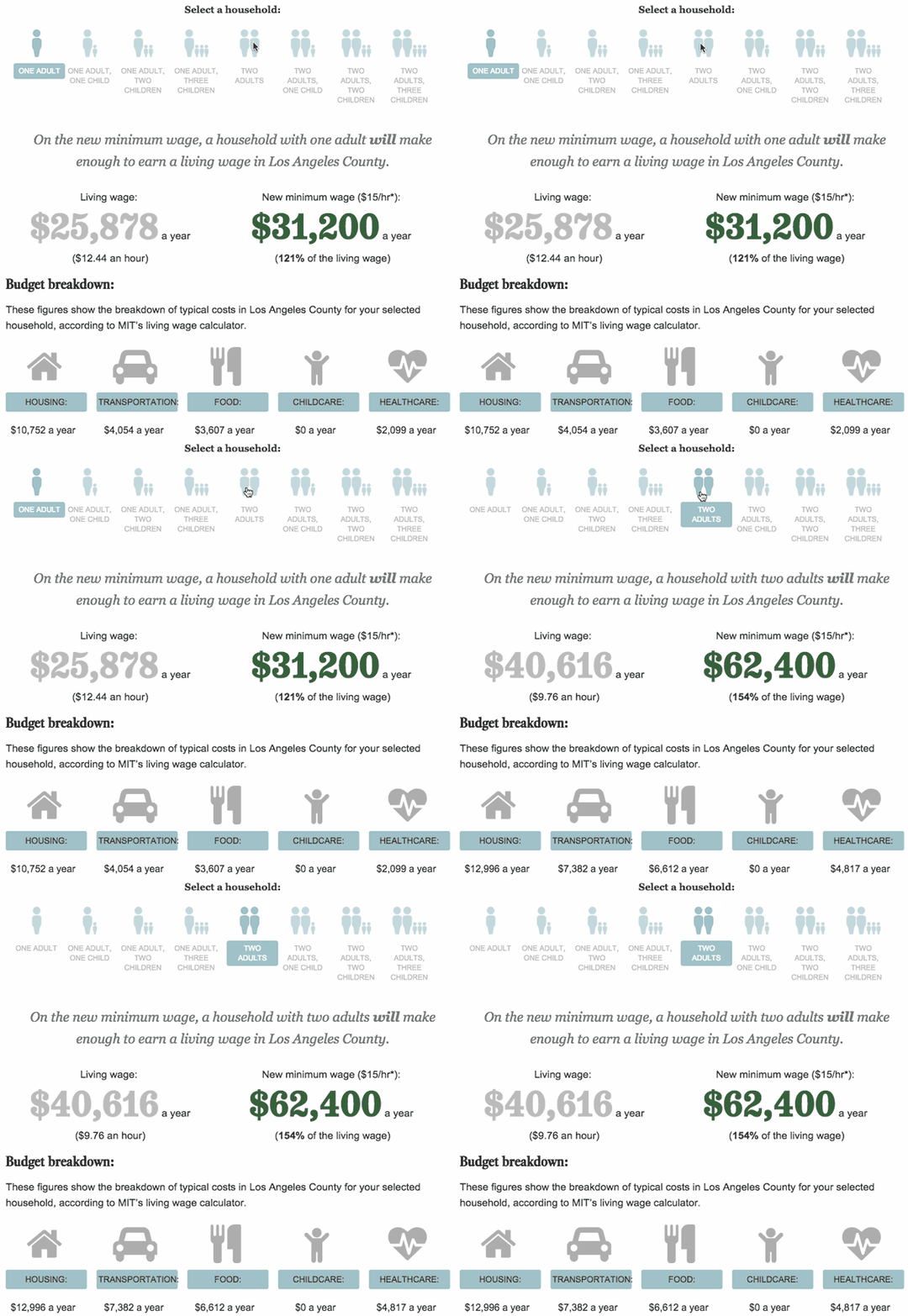
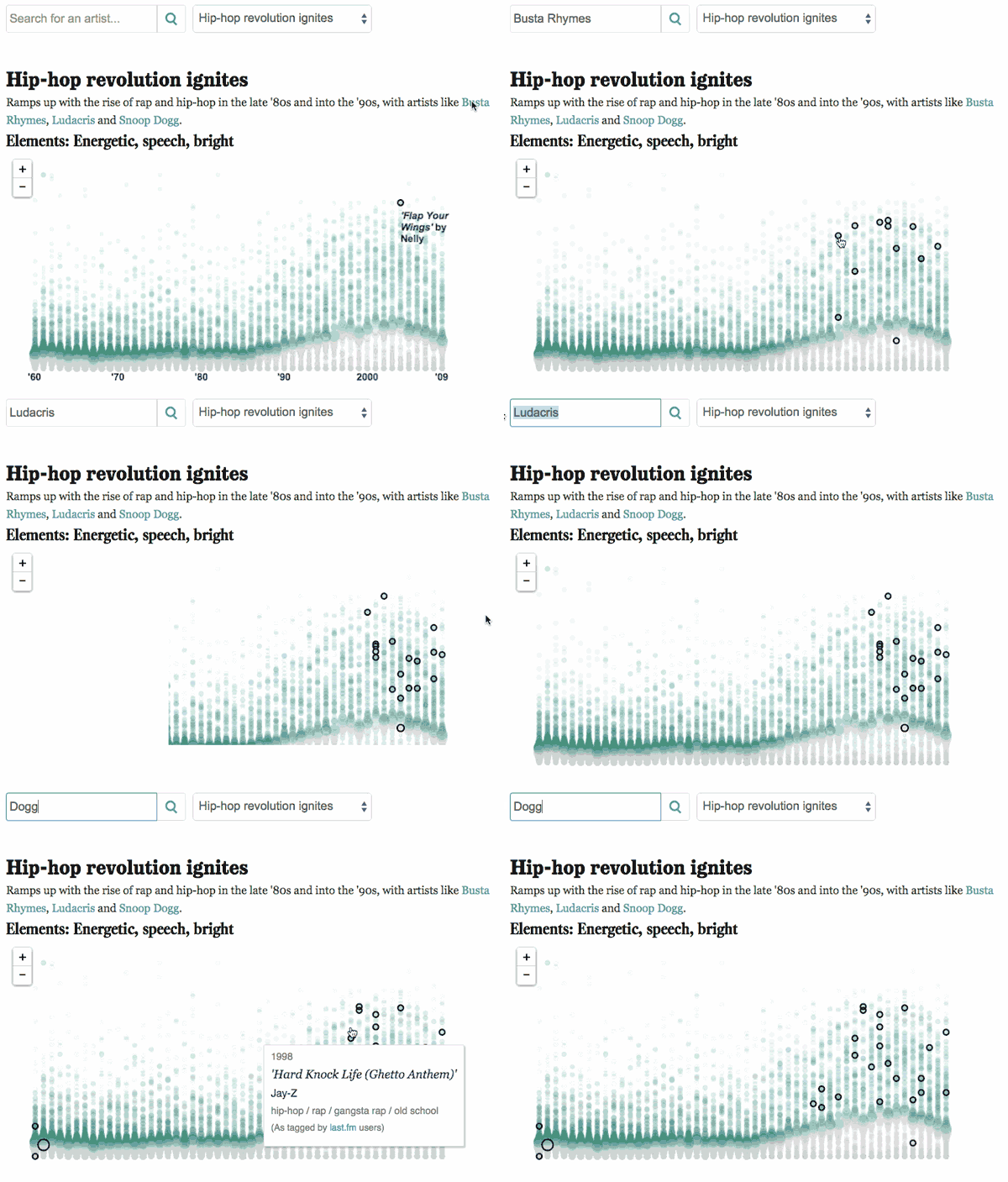
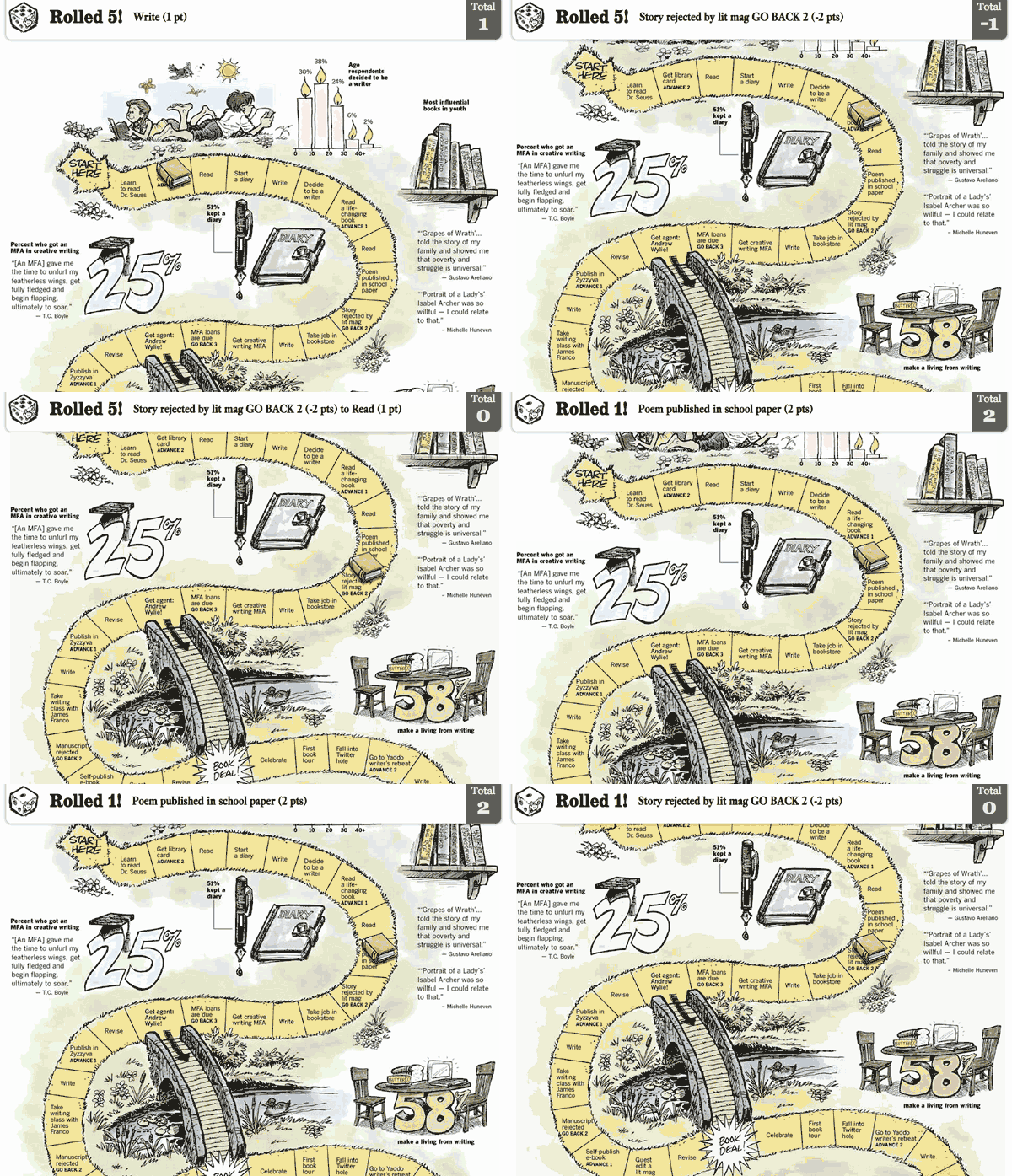
As KDMC‘s data/graphics expert, I’m often asked for recommendations for free, interactive timeline tools. My first question is always “Are you sure that’s what you need?”
While there are several options, including Timetoast and Dipity, timelines are frequently misused, muddle storytelling and result in lost page views. Knowing what a timeline should be can reduce the number of hard-to-understand, needlessly-interactive graphics and increase traffic.
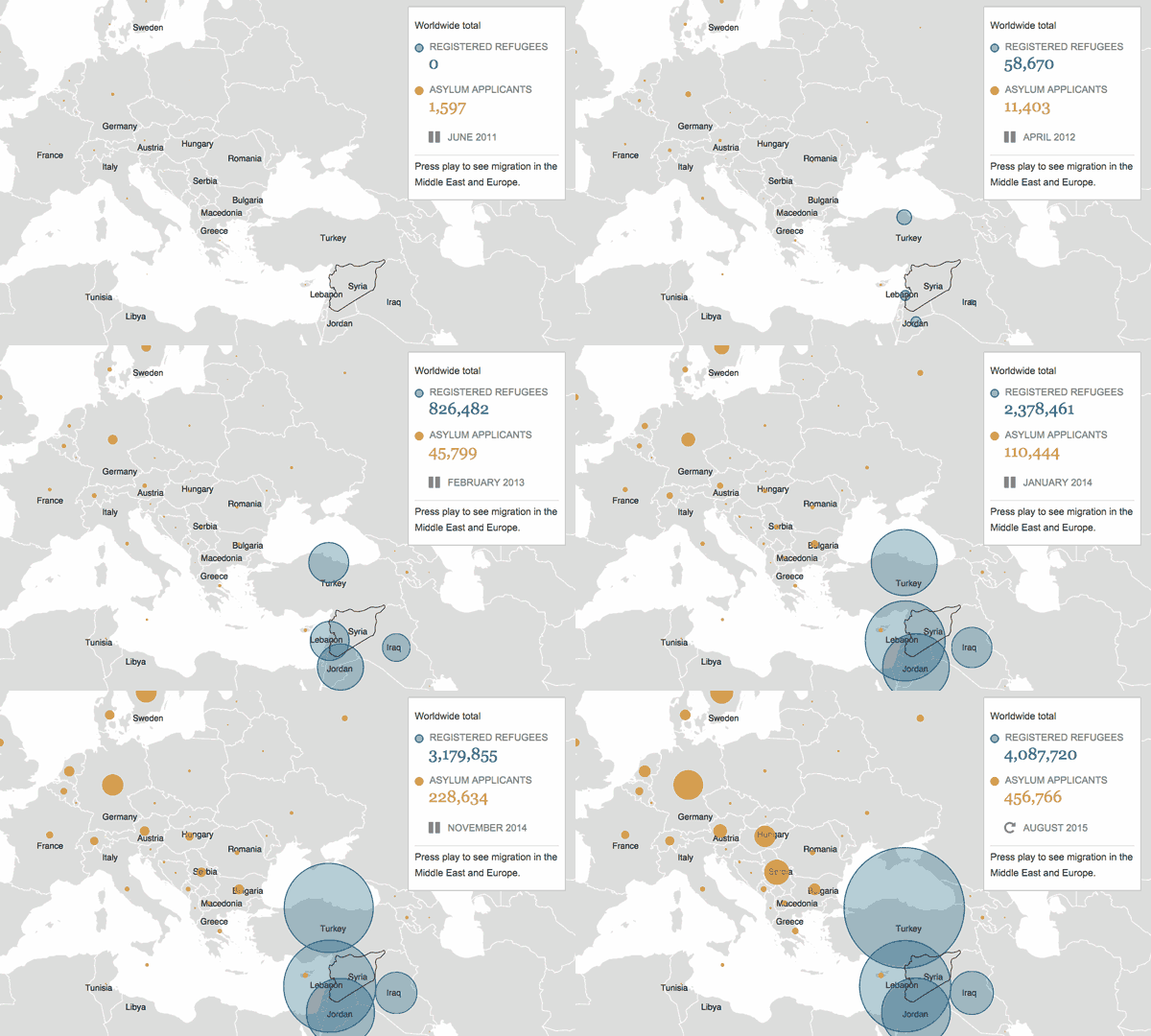
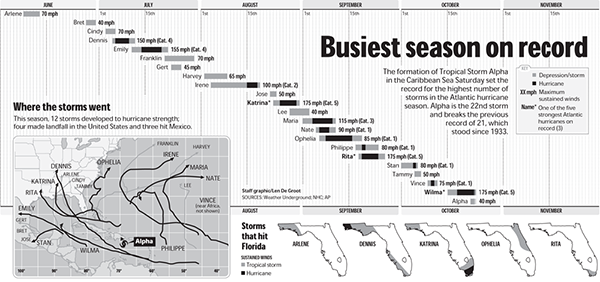
Timelines, by definition, illustrate time. The space between events should be as important or more important than the events themselves. Time should play a role in illustrating or influencing events.
This is easy to see in a financial chart:

Dow Jones Industrial Index, May 6, 2010
Timelines can compare spans of time and/or related information, as this timeline of written languages does:

Mark MacKay Duopixel.com
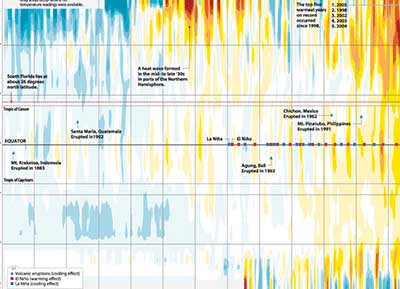
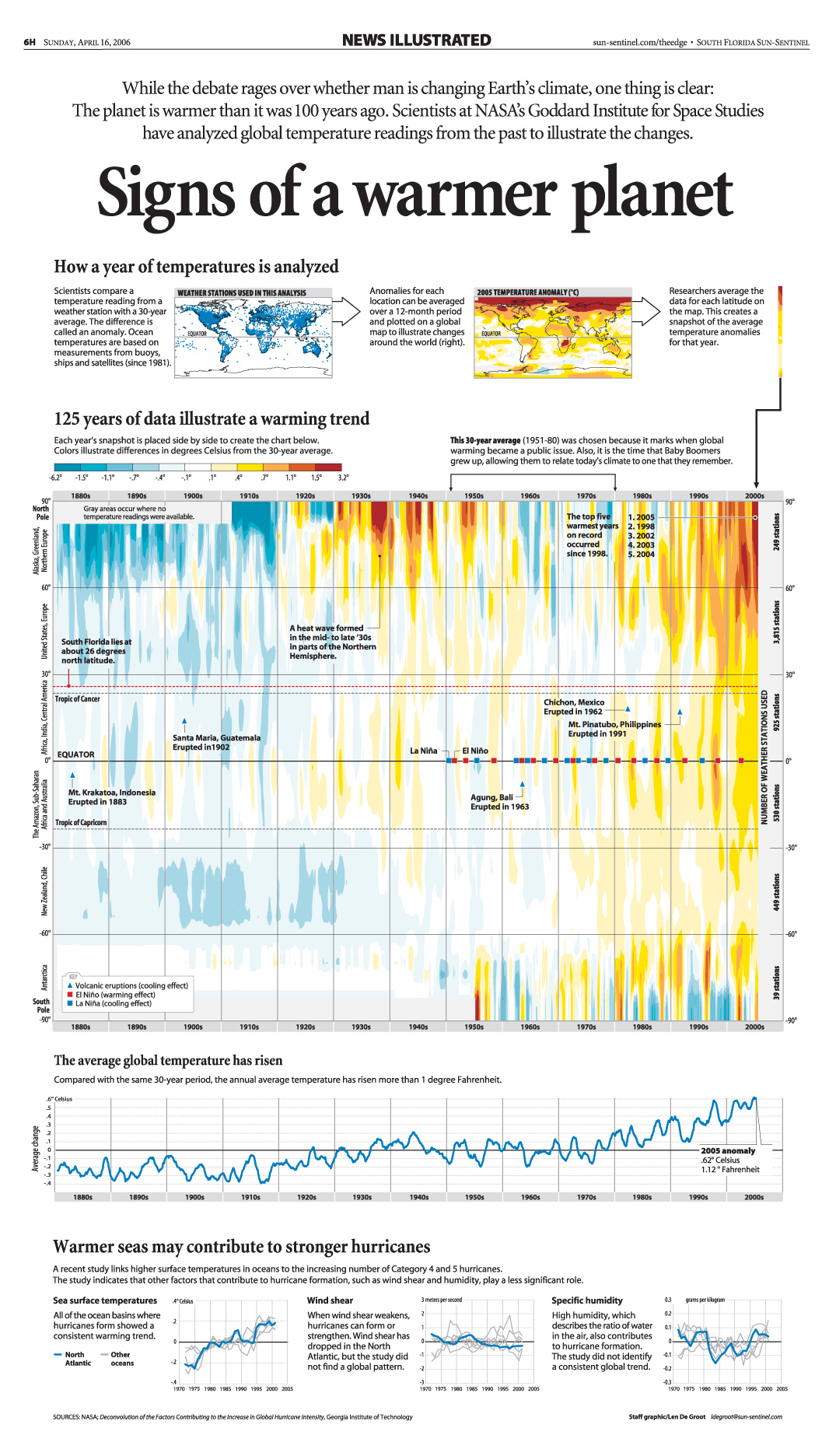
Or it can illustrate large sets of data, as seen in this infographic I produced for the Sun-Sentinel News Illustrated section. It uses 125 years of global temperature readings to illustrate how temperatures changed at different latitudes over time.

Chronologies differ because they explain momentum. They show how the order of events can shape or influence a story. When a chronology is made into a timeline, it often becomes harder to read and momentum is lost.
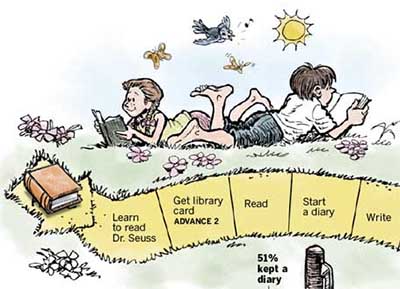
In this example, you can see a chronology forced into the form of a timeline. Time between events is identical and adds nothing to the information. And reading in a staggered motion from top to bottom makes the information harder to comprehend.

StickerGiant.com
This would have been much easier to read as a list. Or better still, since the content has visuals, it could have been a slide show that promoted content.
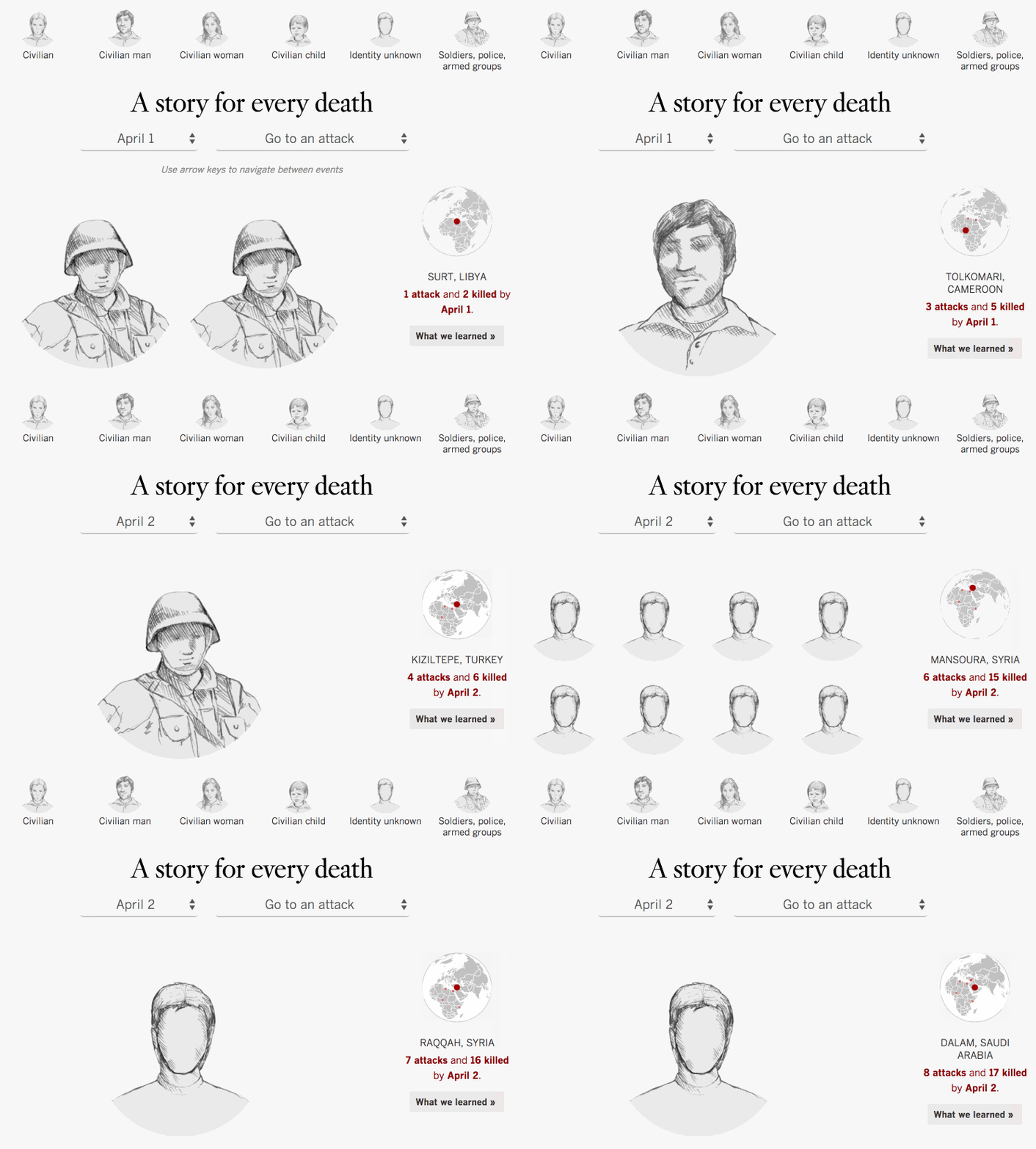
Chronology done right: The following chronology by KDMC alum, Bill Dedman of MSNBC, tells the story of a mysterious socialite, Huguette Clark. It is a well-written photo gallery that compels a user through than 47 pages. It provides a quality experience and racked up more than 78 million page views. You can read about how the project came to be in an interview with Bill Dedman. Click on the image below to view it.

Timeline/chronology hybrid: Another option was used in this NY Times piece on How a Market Crisis Unfolded. A chronological explanation of events is paired with a bar at the top of the project that illustrates how the time between events compressed as the crisis picked up steam. The bar doubles as an intuitive navigation and makes complex information much easier to consume.

Why is all this important? Usability and user experience play a large role in whether or not people view your project. Make it easy to use and understand and users will view it.
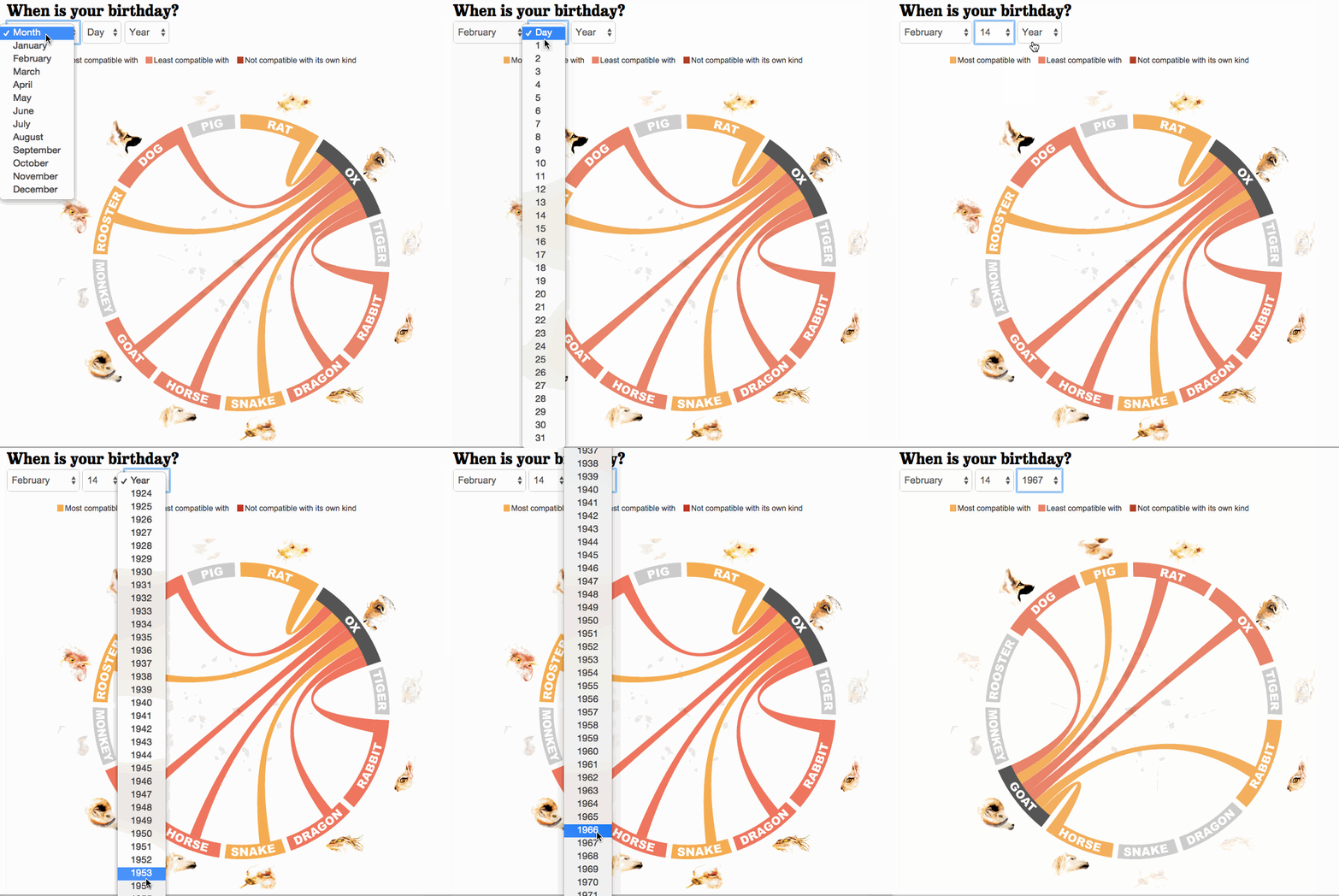
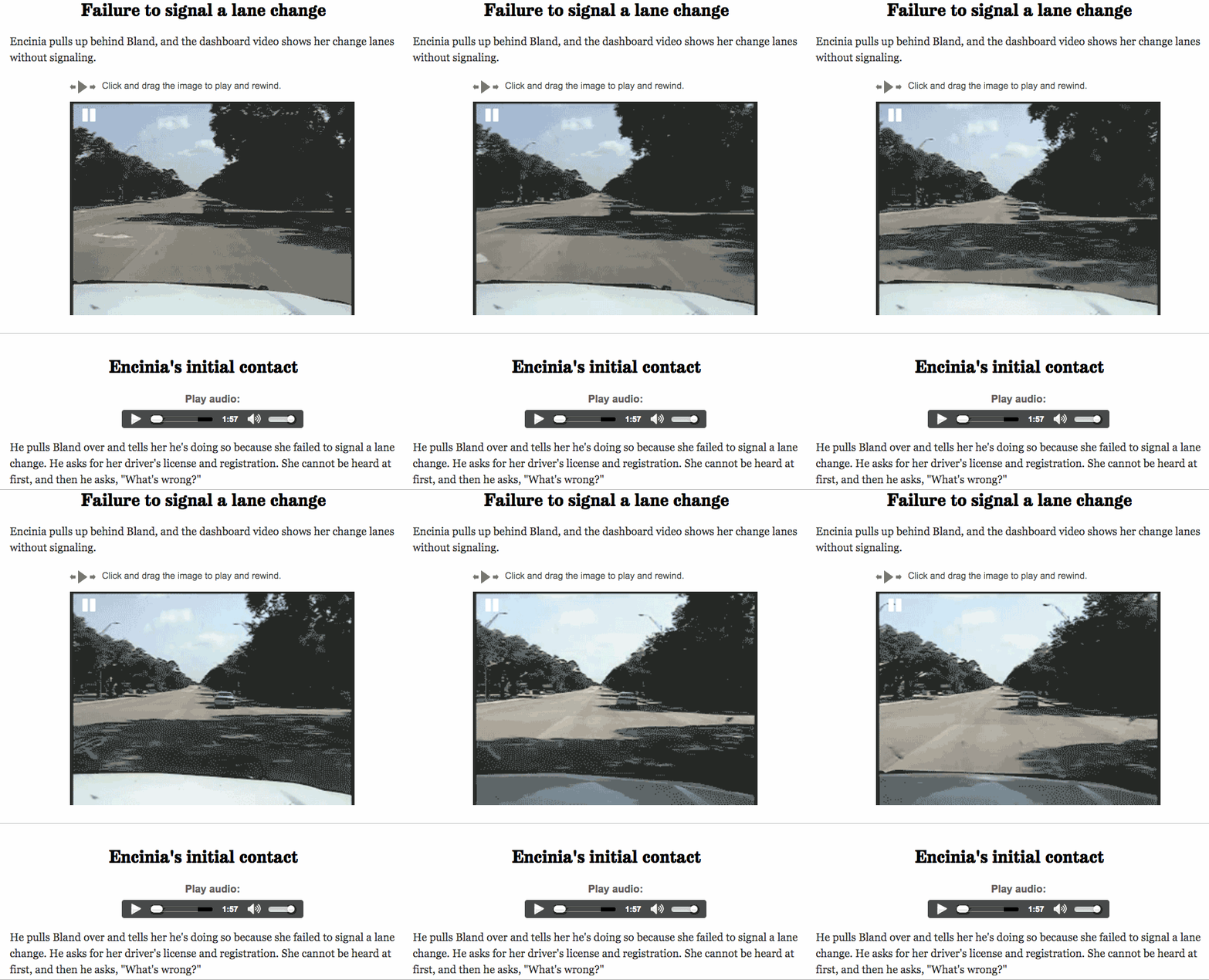
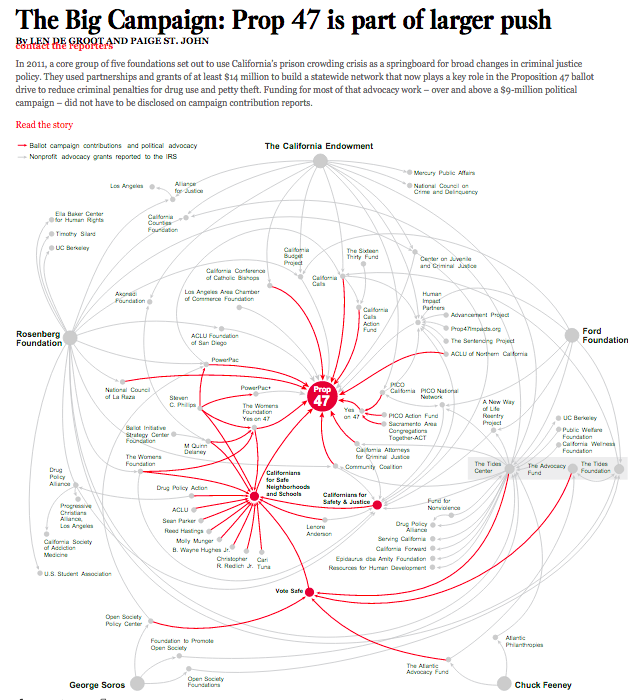
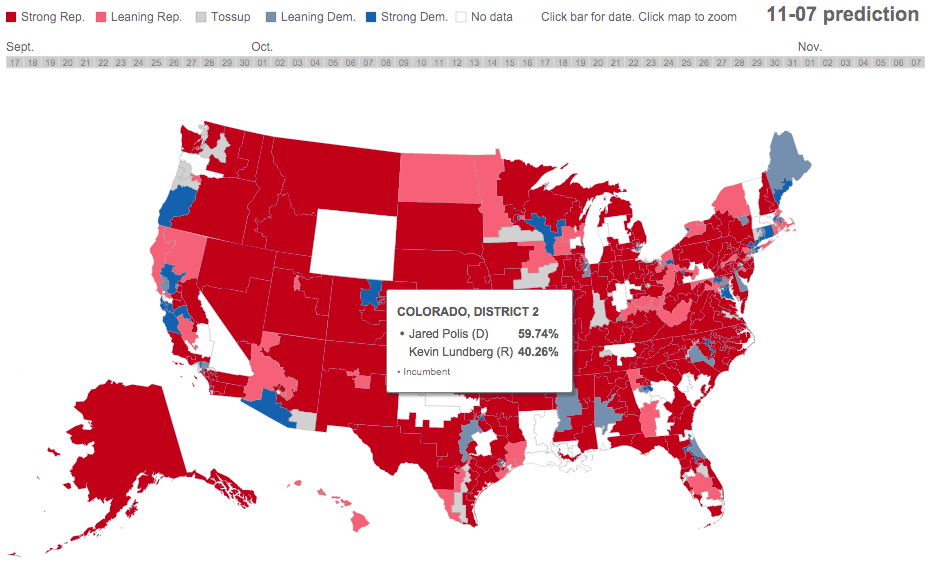
Interactive timelines often require people to decipher navigation that may not be obvious. That’s OK if the situation warrants it and they can be done well — they don’t have to suck and many are quite good. But don’t fall into the trap of leaping to make an interactive timeline because it’s impressive.
Interactivity should be used to make consuming information intuitive. If it doesn’t meet that goal, you’re wasting time and resources.